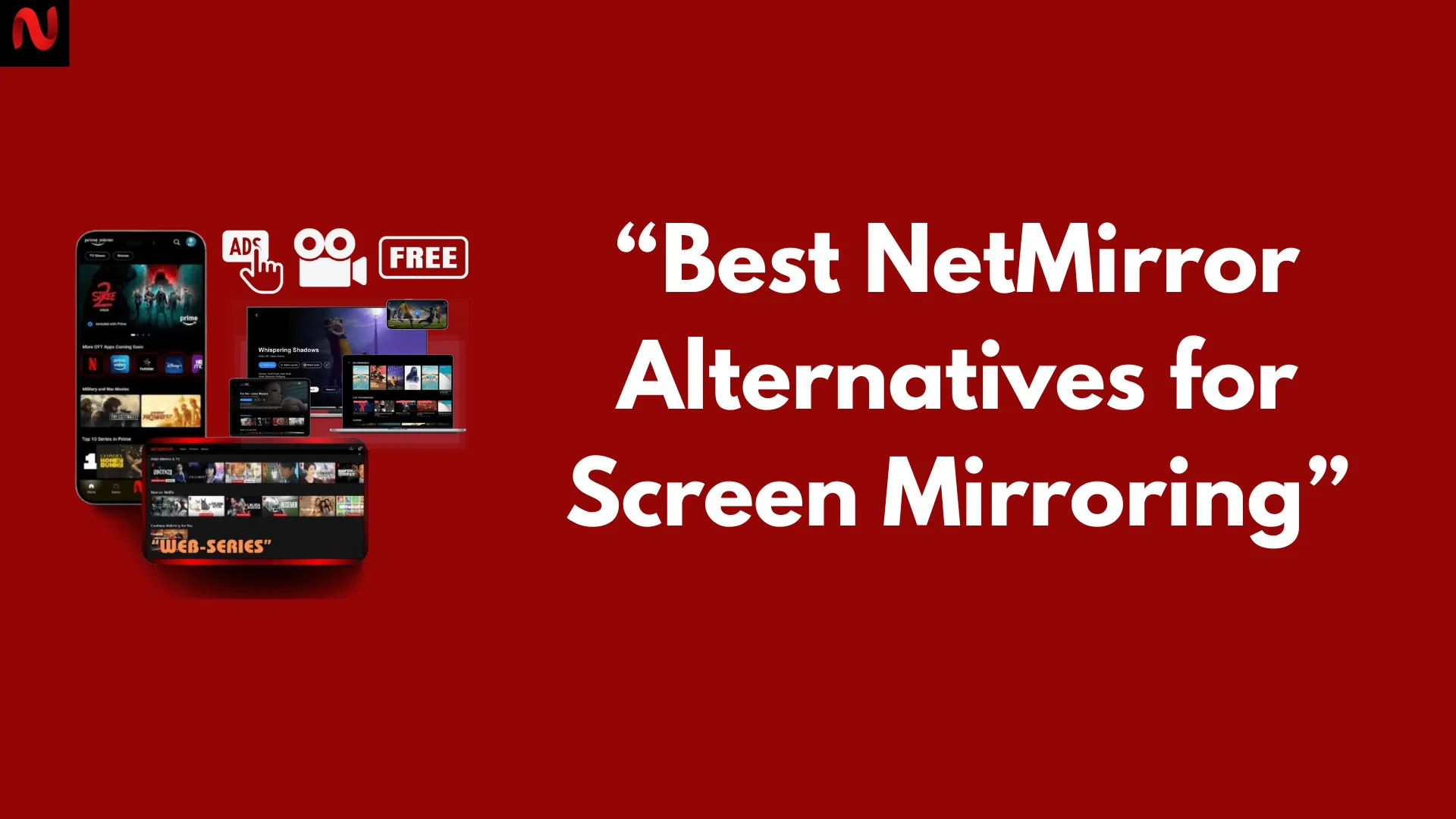
Best NetMirror Alternatives for Screen Mirroring
Screen mirroring has become an essential part of modern digital work and entertainment. Whether you’re streaming mobile games, giving presentations, hosting live classes, or casting your screen to a bigger display, having a reliable mirroring tool is crucial.
NetMirror is one of the popular options for casting mobile devices to PC or TV, but it isn’t the only one out there. Some users look for alternatives to get more features, better compatibility, or simply a free option that suits their specific needs.
In this article, we’ll explore the best NetMirror alternatives — their features, platforms, pricing, and why they might be a good fit for you.
Why Explore Alternatives to NetMirror?
While NetMirror is simple and effective, not every user’s needs are the same. Some people want advanced features like low-latency casting for gaming, others need wireless solutions for classroom presentations or remote work. Here are a few reasons to consider an alternative:
- Cross-platform support — Some tools work seamlessly across Android, iOS, Windows, and macOS.
- Better performance — For high-quality streaming with minimal lag.
- Additional features — Such as recording, annotation, remote control, or integration with conferencing tools.
- Pricing flexibility — Free or budget-friendly plans for casual users.
- Special use cases — Like education, software testing, or business environments.
Top 5 Alternatives to NetMirror
Below are five powerful and trusted screen mirroring tools that can replace or complement NetMirror depending on your goals.
1. ApowerMirror – Cross-Platform Favorite
ApowerMirror is one of the most well-known screen mirroring tools for personal and professional use. It allows users to mirror Android or iOS devices to Windows or Mac computers effortlessly.
Key Features:
- Real-time HD mirroring with low latency.
- Control Android devices from your PC using mouse and keyboard.
- Record mirrored screens directly from the app.
- Supports both wired and wireless connections.
- Compatible with streaming platforms and meeting tools like Zoom and Microsoft Teams.
Pricing:
- Free version with watermark.
- Premium subscription removes limitations and unlocks recording and full-screen mode.
Platforms:
- Windows, macOS, Android, iOS
Best For: Gamers, professionals, teachers, and live streamers.
2. LetsView – Free and Wireless
LetsView is a free and wireless mirroring app known for its simplicity. It’s a great option if you don’t want to deal with cables or complicated setups.
Key Features:
- Completely free for personal use.
- Wireless casting over Wi-Fi without lag.
- Built-in whiteboard and screenshot tools.
- Real-time mirroring with support for multiple devices.
Pricing:
- Free
Platforms:
- Windows, macOS, Android, iOS
Best For: Casual users, online classes, presentations, and home streaming.
3. Vysor – Developer-Friendly Option
Vysor is a lightweight mirroring tool that’s popular among developers and testers. It allows users to view and control their Android devices on desktop.
Key Features:
- Quick and stable USB or wireless mirroring.
- Great for debugging Android apps in real time.
- Keyboard and mouse control support.
- Ideal for demos, testing, and presentations.
Pricing:
- Free version with basic features.
- Premium unlocks HD quality, wireless mode, and fullscreen.
Platforms:
- Windows, macOS, Linux, Chrome browser
Best For: Developers, testers, and tech-savvy users.
4. AirServer – Advanced AirPlay Support
AirServer is one of the most advanced mirroring solutions, especially for users of Apple AirPlay. It’s designed for high-quality streaming and is widely used in education, business, and media production.
Key Features:
- Full AirPlay, Google Cast, and Miracast support.
- Ultra-low latency streaming.
- Ideal for classrooms, boardrooms, and studios.
- Supports multiple device connections simultaneously.
Pricing:
- One-time license fee (varies by edition).
Platforms:
- Windows, macOS, Xbox, Surface Hub
Best For: Educators, businesses, and users with Apple devices.
5. TeamViewer – For Remote Access & Control
While TeamViewer is primarily known for remote access, it also functions as a powerful screen mirroring and control solution. It’s especially useful for IT support and cross-device connectivity.
Key Features:
- Full remote control of other devices.
- Secure end-to-end encryption.
- Works across platforms worldwide.
- Supports file transfers, chats, and multi-user sessions.
Pricing:
- Free for personal use.
- Business plans for professional use.
Platforms:
- Windows, macOS, Android, iOS, Linux
Best For: IT professionals, customer support teams, and remote workers.
Comparison Table: Features, Pricing, Platforms
| Tool | Free Plan | Connection | Special Feature | Platforms | Best For |
|---|---|---|---|---|---|
| NetMirror | ✅ | Wired/Wi-Fi | Easy casting to TV/PC | Windows, Android, iOS, TV | Streamers, presenters |
| ApowerMirror | ✅ (Limited) | Wired/Wi-Fi | Cross-platform control + recording | Windows, macOS, Android, iOS | Gamers, pros, teachers |
| LetsView | ✅ | Wi-Fi | Free wireless mirroring | Windows, macOS, Android, iOS | Casual use, education |
| Vysor | ✅ (Limited) | USB/Wi-Fi | Developer-friendly tools | Windows, macOS, Linux, Chrome | Developers, testers |
| AirServer | ❌ | Wi-Fi | AirPlay & multi-device support | Windows, macOS, Xbox | Education, Apple users |
| TeamViewer | ✅ | Internet | Full remote access | All major platforms | Remote work, IT support |
Why NetMirror Still Stands Out?
Even with so many alternatives available, NetMirror remains a solid choice for everyday users because of its simplicity and performance:
- Seamless casting for both Android and iPhone
- Low-latency performance, suitable for streaming or meetings
- Compatibility with Smart TVs, PCs, and streaming software
- Free version covers most basic needs
For users who need an easy, no-fuss solution, NetMirror often feels more beginner-friendly than some of the more advanced tools.
When to Choose Alternatives Instead?
There are times when switching to an alternative makes more sense:
- Cross-platform requirements: If you need advanced Apple or Chrome integration.
- Pro-level features: Recording, annotation, and multi-device support.
- Classroom or business use: Tools like AirServer or TeamViewer may offer better enterprise-grade stability.
- Zero-cost mirroring: LetsView is an excellent free alternative.
- Developer testing: Vysor is tailored for debugging.
Choosing the right tool depends on how and where you plan to use it.
FAQs
Conclusion
NetMirror is a strong choice for everyday screen mirroring, but exploring its alternatives can help you find tools that match your specific needs. Whether you want advanced features, cross-platform compatibility, or a free and simple setup, options like ApowerMirror, LetsView, Vysor, AirServer, and TeamViewer each bring something unique. Gamers may prefer low-latency streaming, educators may value wireless classroom casting, and professionals may need enterprise-level remote access. By understanding what each tool offers, you can pick the perfect mirroring solution to enhance your productivity, presentations, or entertainment experience.